 BXMedia
01 / BXMedia
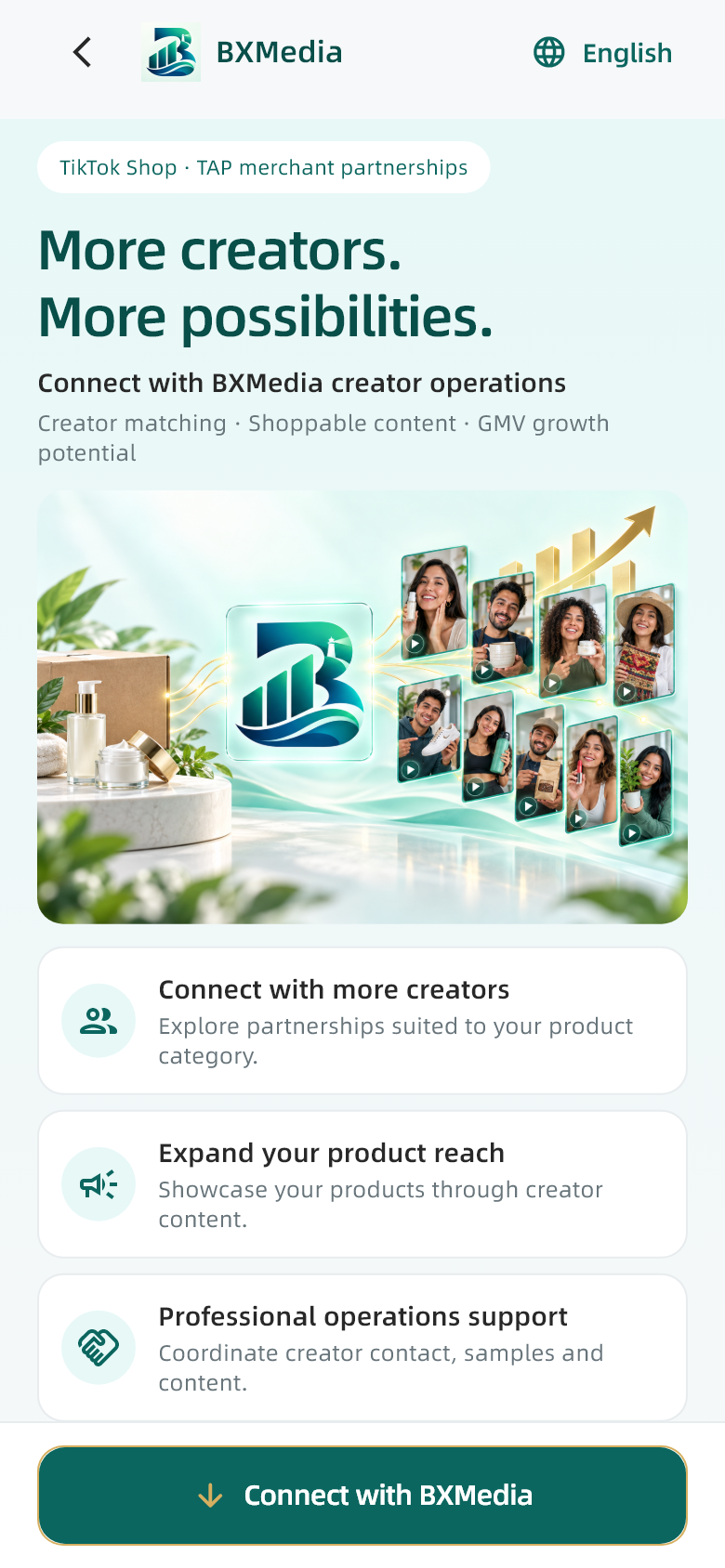
Choose a registration entry
On the website, choose For merchants; creator sign-in is not required. In the app, choose the merchant entry on the welcome screen and open quick registration. Both routes register your cooperation interest.
02 / BXMedia
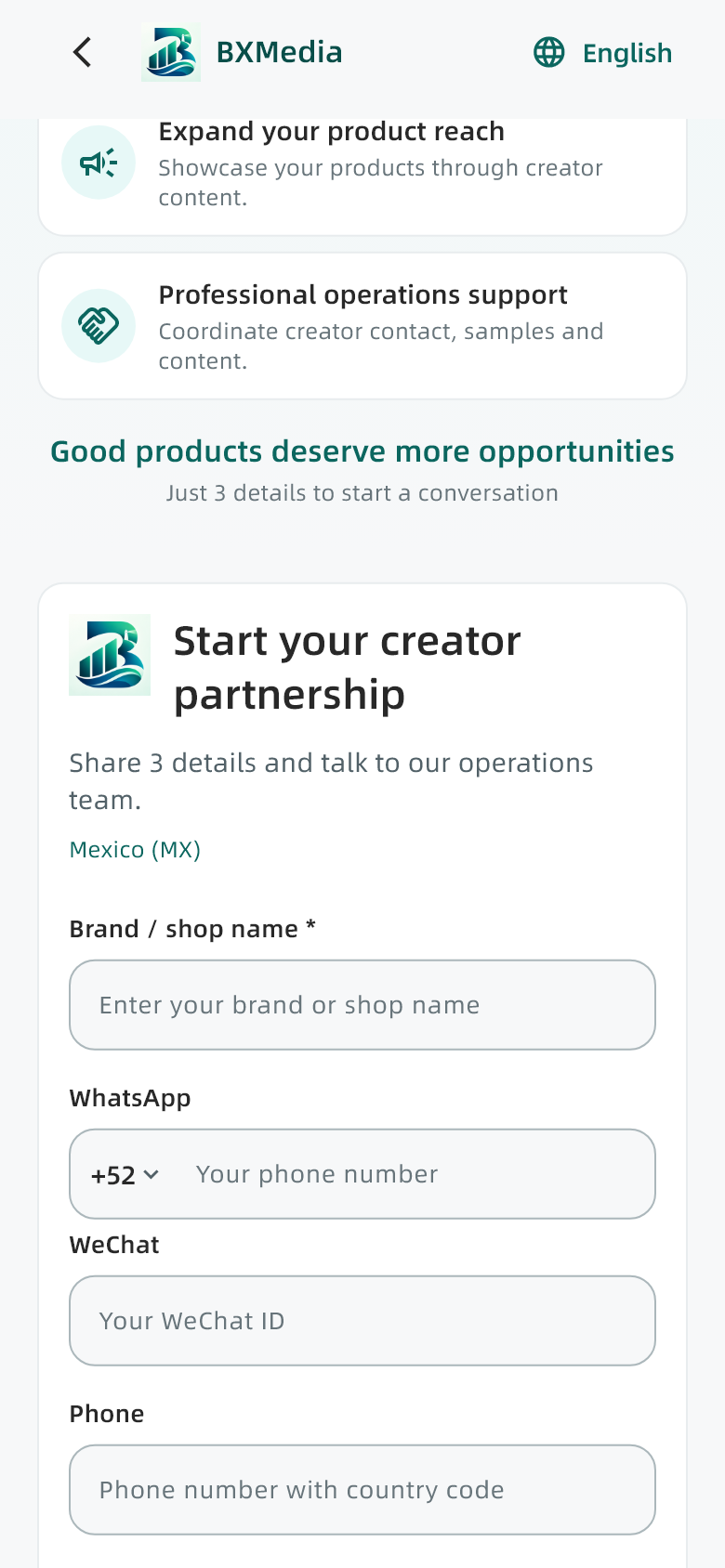
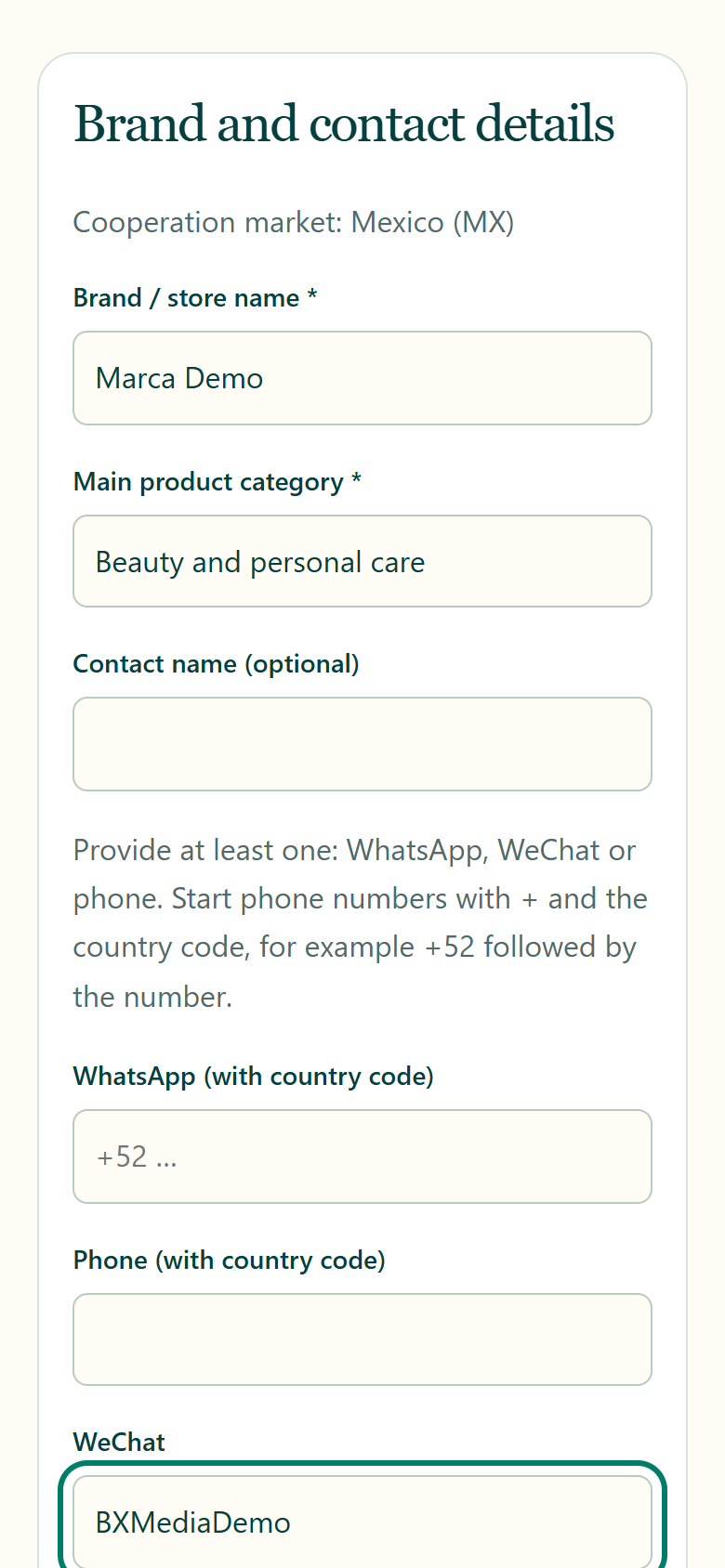
Enter your brand and contact details
Enter your brand or store name and main product category. Provide at least one of WhatsApp, WeChat or phone. Include a country code for phone and WhatsApp and choose a contact language. Type the category on the website; select a loaded category in the app.
03 / BXMedia
Describe products and cooperation needs
Expand the optional section to add your store or product URL, product introduction, sample availability, budget and creator preferences. Budgets are in MXN; the maximum must not be below the minimum. Clear product information helps the follow-up discussion.
04 / BXMedia
Read the privacy notice and submit
Check your brand and contact details, read the Privacy policy and complete the confirmation shown before submitting. Wait for the result without submitting again. Do not provide passwords, verification codes or bank details.
05 / BXMedia
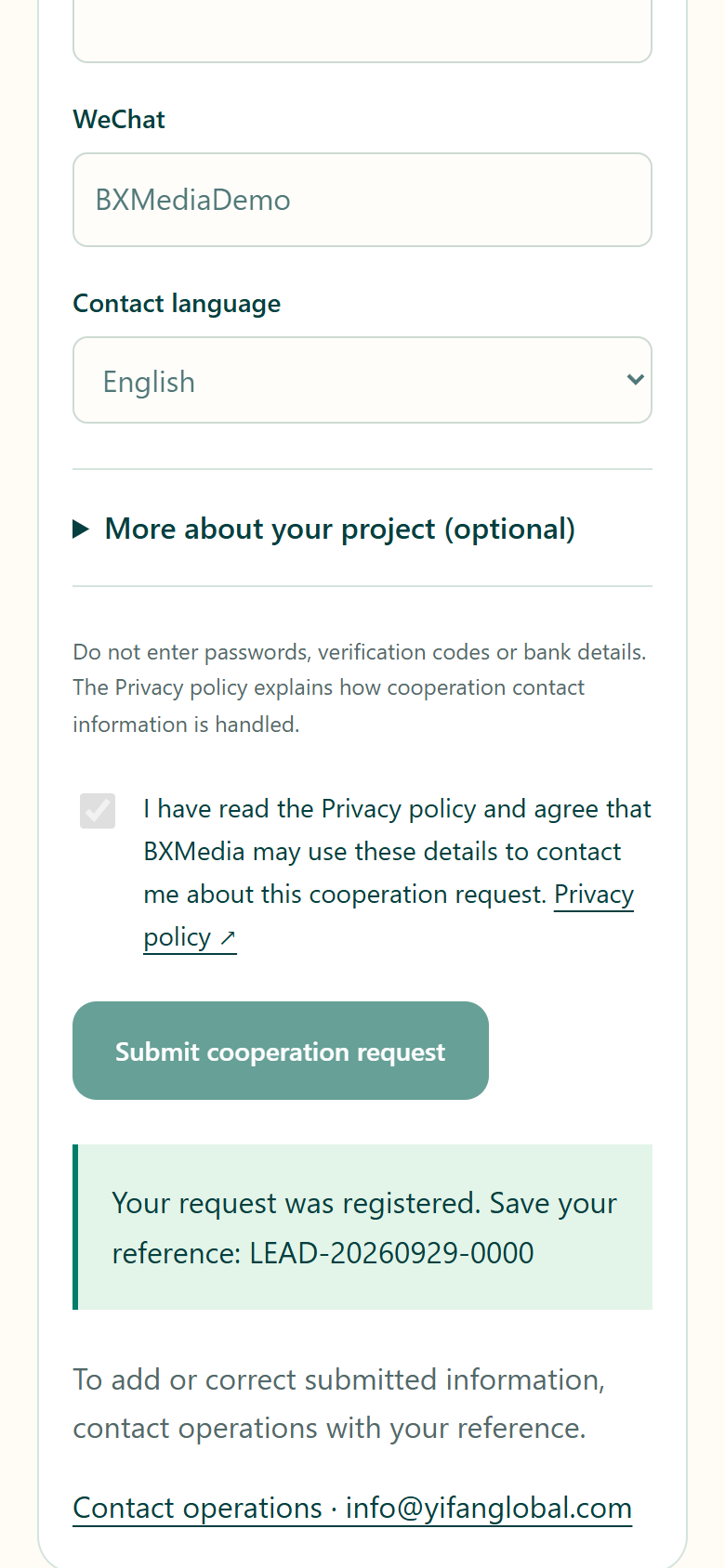
Save your reference
After the success message, save the page or write down the registration reference. If the website cannot confirm the result, keep your details and ask operations to check before registering again.
06 / BXMedia
Confirm the next steps with operations
Keep your contact channel available. Give your reference when adding or correcting details. Products, sample shipping, creator selection, content, fees and dates require agreement. Registration does not automatically create a merchant dashboard account or an effective cooperation contract.
Creator app manual
Sign-in, product selection, samples, content tasks, points withdrawals and teams, step by step.
Read online →